If you’ve ever tried to open a file and received an error message, you may have wondered whether the file is corrupted or infected with ransomware. Although both situations can make your files inaccessible, they are very different problems.
Understanding the difference is important because the solution depends on the actual cause. A corrupted file may sometimes be repaired, while ransomware is a type of cyberattack that often requires a completely different response.
In this article, we’ll explain how ransomware and file corruption differ, how to recognize the warning signs, and what you should do if your files suddenly stop working.
What Is File Corruption?
File corruption happens when the data inside a file becomes damaged or altered unintentionally.
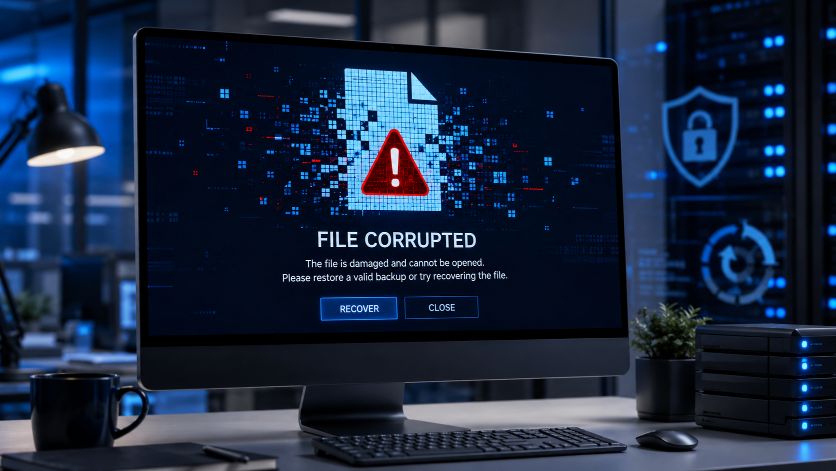
A corrupted file may no longer follow the structure expected by the software that opens it. As a result, the application may display an error or refuse to open the file.
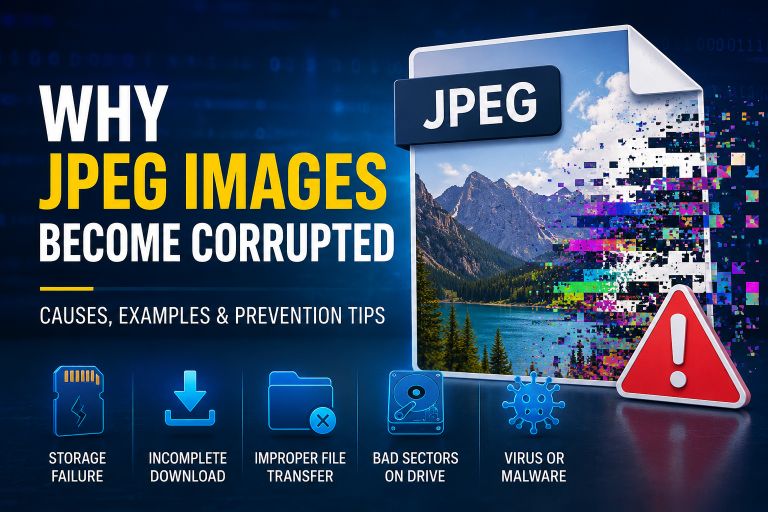
Common causes of file corruption include:
- Power failures while saving files
- Interrupted downloads
- Faulty USB drives or memory cards
- Bad sectors on hard drives or SSDs
- Software crashes
- File system errors
- Hardware failures
In most cases, file corruption is accidental.
What Is Ransomware?
Ransomware is a type of malware that prevents you from accessing your files by encrypting them.
Instead of damaging the files accidentally, ransomware intentionally locks them using strong encryption. The attacker then demands payment in exchange for a decryption key.
Modern ransomware often targets:
- Documents
- Photos
- Videos
- Databases
- Backups
- Shared network folders
Unlike normal file corruption, ransomware is a deliberate cyberattack.
Ransomware vs File Corruption Comparison
| Feature | File Corruption | Ransomware |
|---|---|---|
| Cause | Accidental damage | Malicious attack |
| Files Open Normally | Usually no | No |
| Data Changed | Yes | Yes (encrypted) |
| Demands Payment | No | Usually yes |
| Spreads to Other Files | No | Often yes |
| Can Affect Entire Network | No | Yes |
| Antivirus May Detect It | Sometimes | Often |
| Requires Cybersecurity Response | Usually no | Yes |
How to Tell the Difference
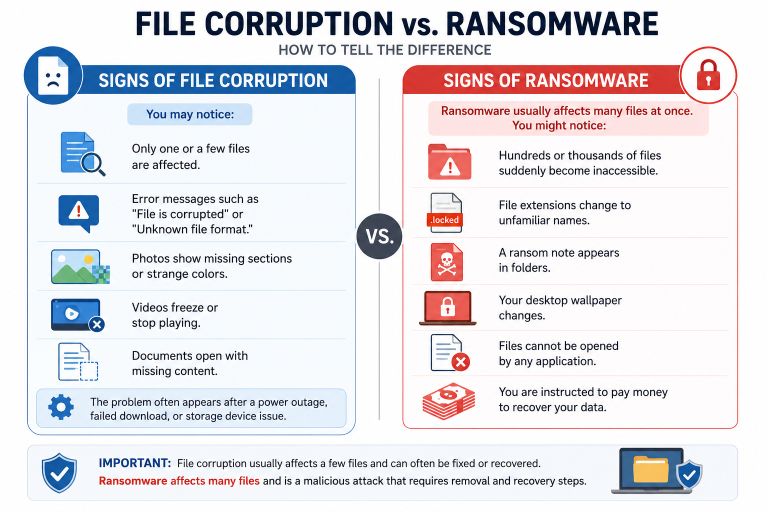
At first glance, both problems can look similar because your files stop opening.
However, there are several clues that help identify the cause.
Signs of File Corruption
You may notice:
- Only one or a few files are affected.
- Error messages such as “File is corrupted” or “Unknown file format.”
- Photos show missing sections or strange colors.
- Videos freeze or stop playing.
- Documents open with missing content.
The problem often appears after a power outage, failed download, or storage device issue.
Signs of Ransomware
Ransomware usually affects many files at once.
You might notice:
- Hundreds or thousands of files suddenly become inaccessible.
- File extensions change to unfamiliar names.
- A ransom note appears in folders.
- Your desktop wallpaper changes.
- Files cannot be opened by any application.
- You are instructed to pay money to recover your data.
If many files change at the same time, ransomware is much more likely than ordinary file corruption.
Why Encrypted Files Look Corrupted
One reason people confuse ransomware with file corruption is that encrypted files often behave like damaged files.
When you try to open them:
- Photos won’t display.
- Documents fail to load.
- Videos won’t play.
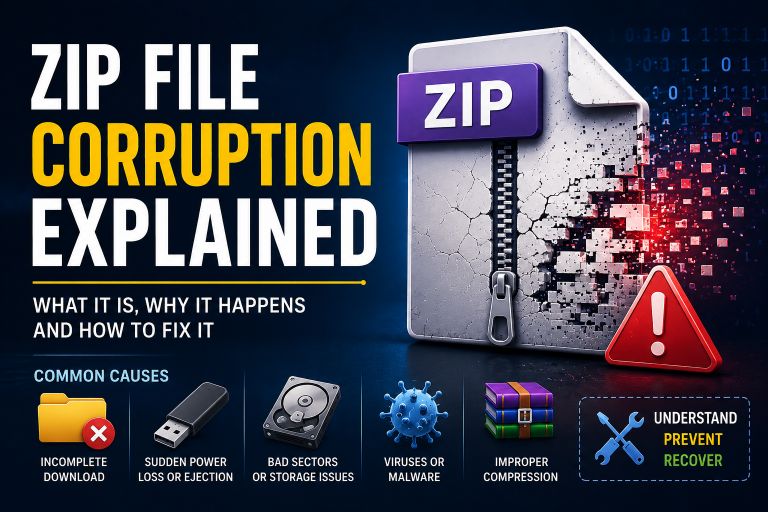
- ZIP archives won’t extract.
The software doesn’t understand the encrypted data, so it reports that the file is invalid or corrupted.
In reality, the file isn’t broken—it’s locked with encryption.
Can Corrupted Files Be Repaired?
Sometimes.
Recovery depends on:
- How much of the file is damaged.
- Whether the file header is intact.
- The health of the storage device.
- Whether a backup exists.
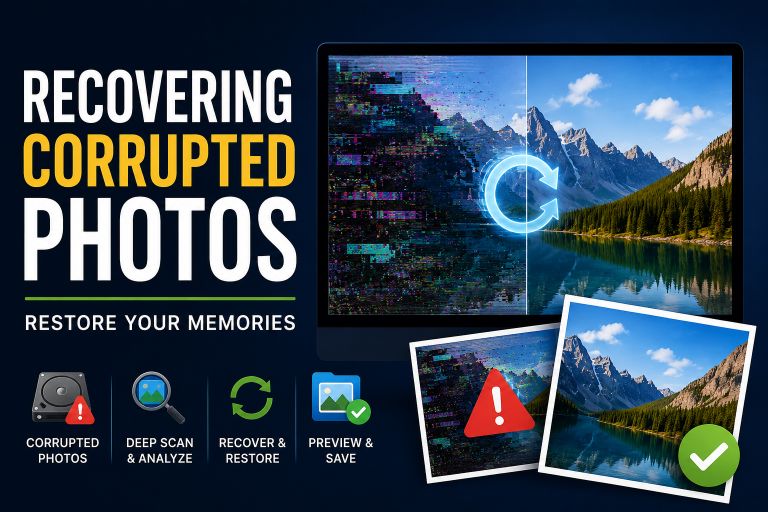
Minor corruption can often be repaired using specialized recovery software.
Severely damaged files may only be partially recoverable.
Can Ransomware-Encrypted Files Be Recovered?
It depends.
Recovery is possible in some situations:
- You have a recent backup.
- A free decryptor is available for the ransomware family involved.
- The ransomware failed to encrypt some files correctly.
However, many ransomware attacks use strong encryption that cannot be broken through normal recovery software.
For this reason, maintaining backups is far more effective than relying on recovery after an attack.
What Should You Do If Your Files Suddenly Stop Opening?
Start by identifying the cause.
Check Whether Only a Few Files Are Affected
If only one or two files are damaged, corruption is more likely.
If almost every document, photo, and video has become inaccessible, ransomware should be considered.
Look for Changed File Extensions
Ransomware often renames files by adding a new extension.
For example:
- photo.jpg → photo.jpg.locked
- report.docx → report.docx.encrypted
Unexpected extension changes are a strong warning sign.
Scan Your Computer
Run a full antivirus or anti-malware scan using trusted security software.
Even if the problem turns out to be simple file corruption, checking for malware is a sensible precaution.
Restore From Backup
Whether the cause is corruption or ransomware, a recent backup is often the quickest way to recover your data.
A backup stored on a separate drive or in secure cloud storage can save hours—or even days—of recovery work.
How to Reduce the Risk
Good habits can protect you from both accidental corruption and ransomware.
Some of the most effective practices include:
- Back up important files regularly.
- Keep your operating system updated.
- Install trusted antivirus software.
- Avoid opening unexpected email attachments.
- Download software only from reliable sources.
- Safely remove USB drives before disconnecting them.
- Replace storage devices that show signs of failure.
These steps significantly reduce the risk of losing valuable data.
Why Software Testers Use Corrupted Files
Developers and QA engineers often create intentionally corrupted files to test how applications respond to damaged data.
These files help verify:
- File upload validation
- Error messages
- Backup software
- Recovery tools
- File repair applications
Testing with controlled file corruption helps developers build more reliable software without putting real user data at risk.
Try More File Corruption Tools
Conclusion
Although ransomware and file corruption can produce similar symptoms, they are very different problems. File corruption usually happens because of hardware issues, software crashes, interrupted file transfers, or power failures. Ransomware, on the other hand, is a deliberate cyberattack that encrypts files and blocks access to them.
Knowing the difference helps you choose the right solution. Corrupted files may sometimes be repaired, while ransomware requires immediate security measures and, ideally, a clean backup for recovery.
The best protection against both threats is simple: maintain regular backups, use reliable storage devices, keep your software updated, and practice safe computing habits. These steps will greatly reduce the chances of losing important files.