JPEG images are one of the most widely used image formats for photographs, website graphics, and digital documents. Their small file size and broad compatibility make them a popular choice across computers, smartphones, and cameras. However, JPEG files are not immune to corruption. A damaged JPEG can refuse to open, display only part of the image, show strange colors, or trigger an error message.
Understanding why JPEG images become corrupted can help you protect your files and recover valuable photos before they are lost.
What Is JPEG Image Corruption?
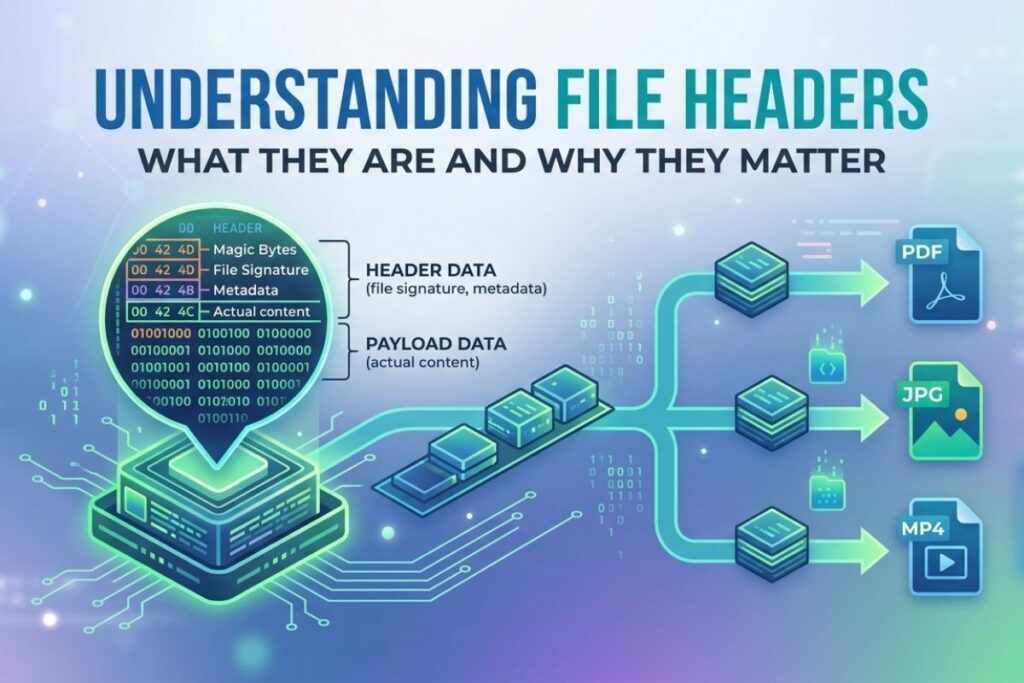
A corrupted JPEG image is a file whose data has been altered, damaged, or lost. Since JPEG files follow a specific internal structure, even small changes to critical sections of the file can prevent image viewers from decoding it correctly.
Common signs of JPEG corruption include:
- The image won’t open.
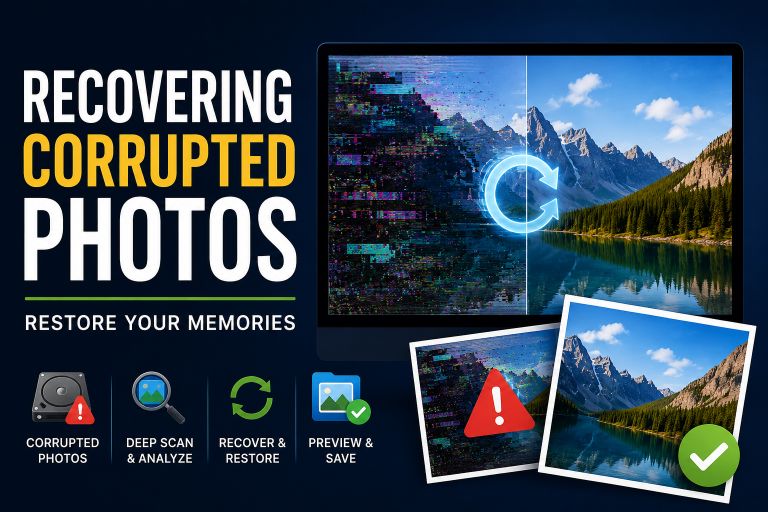
- Only half of the picture appears.
- Colored blocks or random lines cover the image.
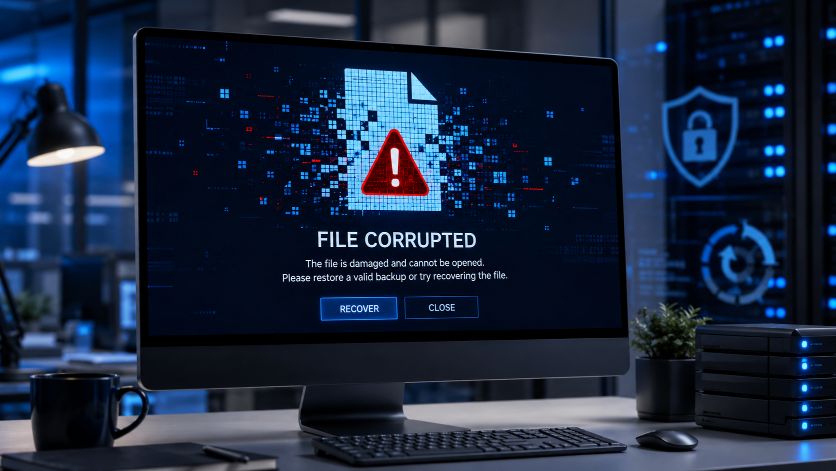
- The file opens with an error message.
- The image appears completely gray or black.
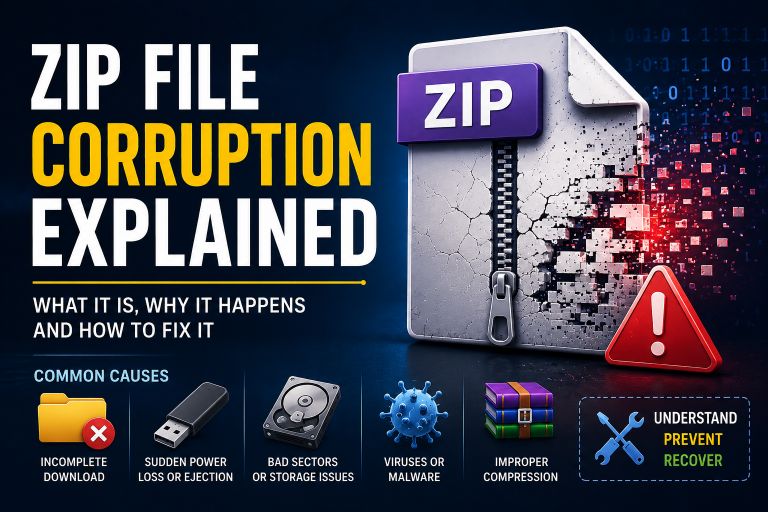
Common Causes of JPEG Image Corruption
1. Interrupted File Transfers
Copying JPEG images between devices can sometimes fail if the connection is interrupted. Disconnecting a USB drive too early, losing a network connection, or removing an SD card during transfer may leave the image incomplete.
2. Storage Device Problems
Hard drives, SSDs, USB flash drives, and memory cards eventually develop bad sectors or wear out. If a JPEG is stored in a damaged area of the storage device, parts of the image data may become unreadable.
3. Sudden Power Loss
If your computer or camera loses power while saving or editing a JPEG image, the writing process may stop before the file is complete. The result is often a corrupted or partially saved image.
4. Malware or Viruses
Malicious software can modify, encrypt, or delete image files. Some malware intentionally corrupts files, while ransomware makes them inaccessible until a ransom is paid.
5. Software Crashes
Photo editing software that crashes while saving a JPEG may leave the file incomplete. This is especially common when working with very large images or when system memory is low.
6. Faulty Memory Cards
Digital cameras and smartphones frequently store photos on SD or microSD cards. If the card becomes damaged or develops file system errors, JPEG images stored on it may become corrupted.
7. File System Errors
Improperly removing external drives or unexpected system shutdowns can damage the file system itself. Even if the JPEG image is intact, corrupted file allocation information can prevent the operating system from locating the complete file.
Can Corrupted JPEG Images Be Repaired?
Sometimes, yes. Recovery depends on the extent of the damage.
If only the JPEG header or metadata is affected, specialized repair software may rebuild the file successfully. If portions of the image data are missing because of storage damage, recovery becomes more difficult, although partial restoration is sometimes possible.
Also Read: How to Fix a Corrupted File
If corruption was caused by accidental deletion rather than overwritten data, recovery software may also help retrieve the original image.
How to Prevent JPEG Corruption
You can significantly reduce the risk of corruption by following a few best practices:
- Always eject USB drives and memory cards safely.
- Avoid interrupting file transfers.
- Keep regular backups of important photos.
- Use reliable storage devices.
- Protect your computer with updated antivirus software.
- Replace aging or failing SD cards before they develop errors.
- Avoid shutting down your computer while files are being saved.
Test JPEG Corruption Safely
If you’re testing photo recovery software, backup solutions, or image-processing applications, you may need a damaged JPEG for experimentation instead of risking valuable personal photos.
You can use a dedicated JPEG corruption tool to intentionally create a corrupted copy while keeping your original image safe. This allows developers, students, IT professionals, and software testers to simulate real-world corruption scenarios without damaging important files.
Conclusion
JPEG image corruption usually occurs because of interrupted saves, failing storage devices, power failures, malware, or file system problems. While some corrupted images can be repaired, prevention remains the best strategy. Maintaining reliable backups, using healthy storage media, and handling file transfers carefully can protect your photos from permanent damage.
Whether you’re troubleshooting an unreadable picture or testing image recovery tools, understanding how JPEG corruption happens helps you diagnose problems more effectively and reduce the risk of future data loss.