Losing access to your favorite photos can be frustrating, especially when they capture important memories or valuable work. A corrupted photo may refuse to open, display only part of the image, or appear with strange colors and visual artifacts. While not every damaged image can be restored completely, many corrupted photos can be recovered using the right approach.
In this guide, you’ll learn what causes photo corruption, how to recover damaged images, and the best practices to prevent future photo loss.
What Is a Corrupted Photo?
A corrupted photo is an image file whose data has been damaged or altered, making it difficult or impossible for image viewers to display it correctly. Corruption can affect various image formats, including:
- JPEG (.jpg, .jpeg)
- PNG (.png)
- TIFF (.tif)
- RAW camera files
- HEIC (.heic)
Depending on the type of damage, the image may open partially, fail to load entirely, or trigger an error message.
Common Causes of Photo Corruption
Photo corruption can happen for several reasons, including:
1. Interrupted File Transfers
Removing a USB drive or memory card while files are still being copied can leave image files incomplete.
2. Damaged Memory Cards
SD cards and microSD cards wear out over time. Bad sectors or file system errors can corrupt stored photos.
3. Sudden Power Failure
If a camera, computer, or smartphone loses power while saving a photo, the writing process may stop before the image is fully saved.
4. Malware or Virus Infection
Some malware damages, encrypts, or modifies image files, making them unreadable.
5. Hard Drive or SSD Failure
Failing storage devices can develop unreadable sectors, affecting photos stored in those locations.
6. Software Crashes
Photo editing applications that crash during saving or exporting may produce corrupted image files.
Signs That a Photo Is Corrupted
You may notice one or more of these symptoms:
- The image won’t open.
- “Invalid image format” or “Cannot open file” errors.
- Missing portions of the image.
- Gray areas or black sections.
- Random colored lines or pixelated blocks.
- Thumbnail appears but the full image won’t load.
How to Recover Corrupted Photos
Restore From a Backup
The easiest recovery method is restoring the original image from a backup stored on cloud services, external drives, or another device.
Try a Different Image Viewer
Sometimes the problem isn’t the image itself. Open the file using another image viewer or photo editing application to verify whether the corruption is genuine.
Copy the File to Another Drive
If the image is stored on a failing USB drive or memory card, immediately copy it to a healthy storage device. Continuing to use damaged media can make recovery more difficult.
Use Photo Repair Software
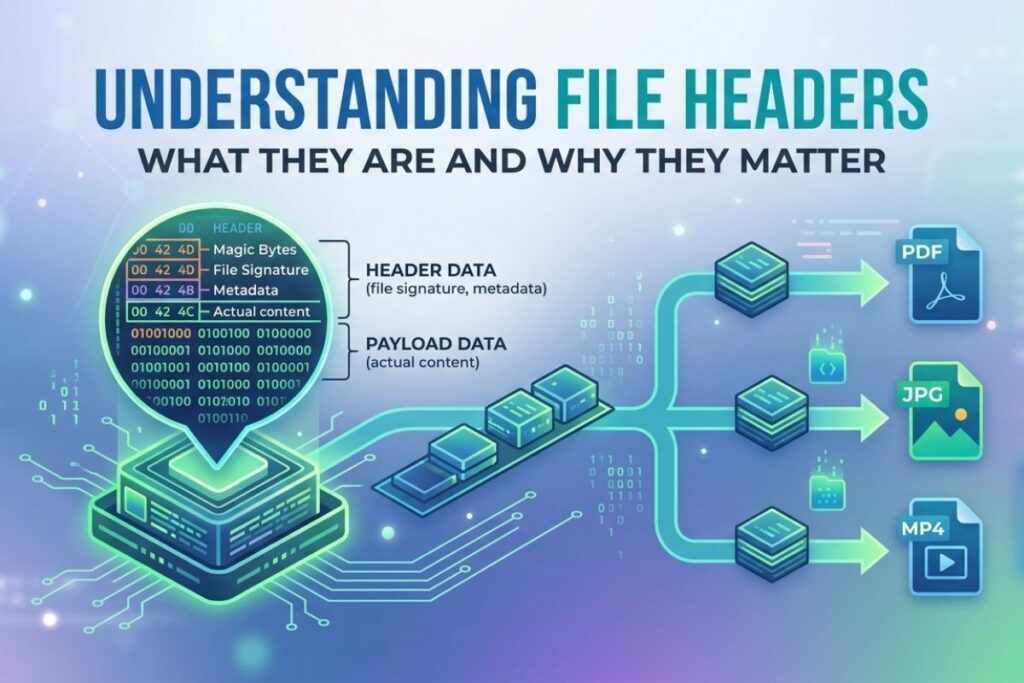
Several photo repair tools can rebuild damaged JPEG headers, repair metadata, or reconstruct partially corrupted images. Success depends on how much of the original image data remains intact.
Recover Deleted Originals
If the corrupted version replaced the original, data recovery software may recover an earlier version, provided the storage space hasn’t been overwritten.
Repair the Storage Device
If multiple images are corrupted, the issue may lie with the storage device rather than individual files. Checking the drive for file system errors can prevent additional damage.
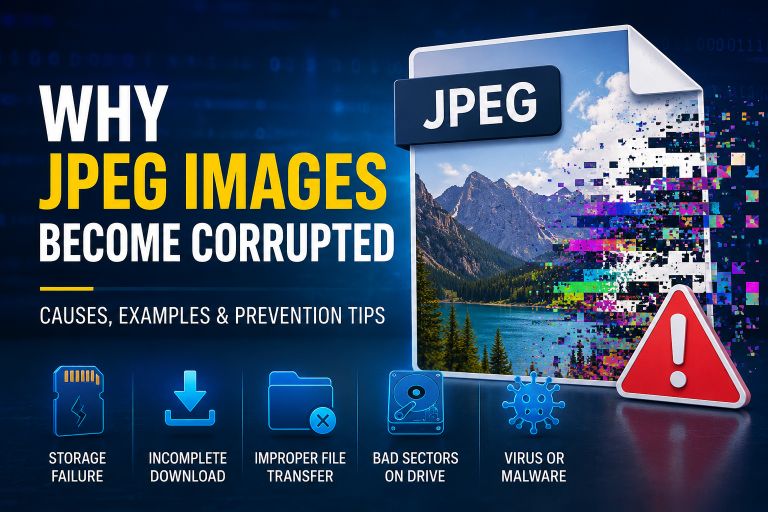
Also Read: Why JPEG Images Become Corrupted
Can Every Corrupted Photo Be Recovered?
Unfortunately, no.
Recovery success depends on several factors:
- How severely the file is damaged.
- Whether image data is missing or only metadata is affected.
- The condition of the storage device.
- Whether overwritten sectors have destroyed the original data.
Minor corruption often has a good chance of repair, while files missing significant image data may only be partially recoverable.
How to Prevent Photo Corruption
Protect your photos by following these best practices:
- Safely eject memory cards and USB drives.
- Keep multiple backups of important photos.
- Replace aging SD cards before they fail.
- Avoid interrupting file transfers.
- Keep antivirus software updated.
- Shut down your computer properly.
- Store photos on reliable storage devices.
Create Corrupted Photos for Testing
Developers, IT professionals, and software testers sometimes need intentionally corrupted image files to evaluate photo repair software, backup systems, or recovery applications.
Instead of risking valuable personal photos, use a dedicated photo corruption tool to generate a corrupted copy while preserving the original image. This provides a safe environment for testing recovery techniques and validating software performance.
Conclusion
Corrupted photos don’t always mean your memories are lost forever. Many image files affected by minor corruption can be repaired or recovered, especially when backups or recovery software are available. Acting quickly, avoiding further writes to damaged storage, and using reliable backup practices greatly improve the chances of successful recovery.
Whether you’re restoring family photos, recovering professional images, or testing recovery software, understanding the causes of photo corruption is the first step toward protecting your digital memories.