Binary Files Explained: What They Are and How They Work
Every day, your computer opens hundreds of files without you thinking about how they actually work. Whether it’s a photo, video, PDF, application, or game, most of these files are binary files. Unlike plain text files that you can read with a text editor, binary files store information in a format that computers understand directly.
Understanding binary files is useful if you’re interested in file formats, data recovery, programming, cybersecurity, or simply want to know how digital files work behind the scenes.
In this article, we’ll explain binary files in simple language, how they differ from text files, why they’re important, and what happens when they become corrupted.
What Is a Binary File?
A binary file is a file that stores data using binary digits (0s and 1s). Computers process everything as binary, so binary files allow software to store images, videos, audio, applications, documents, and other complex data efficiently.
Unlike a text file, which contains readable characters, a binary file contains data that is meant to be interpreted by a specific program.
For example:
- A JPEG image stores pixel and color information.
- A PDF stores document formatting and text.
- An MP4 file stores video and audio streams.
- A ZIP archive stores compressed data.
- An EXE file contains instructions that Windows can execute.
If you open a binary file in a simple text editor like Notepad, you’ll usually see random symbols, unreadable characters, and strange text. That’s because the file isn’t designed to be read directly by humans.
Why Are They Called Binary Files?
Computers understand only two electrical states:
- 0 (Off)
- 1 (On)
These two values are called binary digits, or bits.
Every file on your computer is ultimately stored as a long sequence of these binary values. Binary files simply organize those values according to a specific file format so software knows how to interpret them.
Examples of Binary Files
Many of the files you use every day are binary files.
Some common examples include:
| File Type | Extension | Purpose |
|---|---|---|
| JPEG Image | .jpg | Stores digital photographs |
| PNG Image | .png | Stores images with transparency |
| PDF Document | Stores formatted documents | |
| ZIP Archive | .zip | Compresses multiple files |
| MP4 Video | .mp4 | Stores video and audio |
| MP3 Audio | .mp3 | Stores music and sound |
| Microsoft Word | .docx | Stores text documents |
| Excel Spreadsheet | .xlsx | Stores spreadsheet data |
| Windows Program | .exe | Executable application |
| Database File | .db | Stores structured information |
These files require compatible software to open and interpret their contents.
Binary Files vs Text Files
Although both store data, they are designed for different purposes.
| Feature | Binary File | Text File |
|---|---|---|
| Human readable | No | Yes |
| Stores images and videos | Yes | No |
| Can be opened in Notepad | Mostly unreadable | Fully readable |
| Used by software | Yes | Yes |
| Efficient for complex data | Yes | Limited |
For example, a simple .txt file might contain:
Hello WorldA JPEG image, on the other hand, contains thousands or even millions of bytes representing colors, compression tables, and image information. That data is meaningless without image viewing software.
How Binary Files Work
Every binary file follows a specific internal structure.
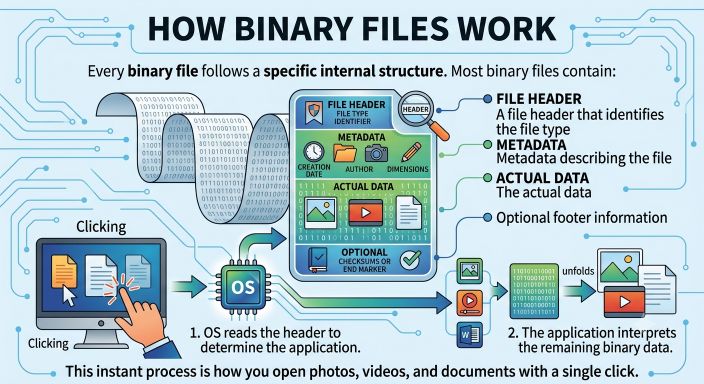
Most binary files contain:
- A file header that identifies the file type
- Metadata describing the file
- The actual data
- Optional footer information
When you open a file, the operating system first reads the header to determine which application should open it. The application then interprets the remaining binary data according to the rules of that file format.
This process happens almost instantly, allowing you to open photos, videos, and documents with a single click.
Where Are Binary Files Used?
Binary files are used almost everywhere in modern computing.
Some common uses include:
Images
Photo formats like JPEG, PNG, TIFF, and RAW all store image data in binary form.
Videos
Formats such as MP4, AVI, MOV, and MKV use binary data to store video frames, audio tracks, subtitles, and metadata.
Audio
Music and sound recordings in MP3, WAV, AAC, and FLAC are binary files.
Documents
PDF, Microsoft Word, Excel, and PowerPoint files all use binary structures to store formatting, fonts, and content.
Software Applications
Programs installed on your computer are binary executable files containing machine instructions that the processor can execute.
Databases
Many database systems store records in binary format for faster access and better performance.
Why Binary Files Matter
Binary files make modern computing possible.
They allow computers to:
- Store large amounts of information efficiently
- Process multimedia files quickly
- Run applications and games
- Compress data into smaller files
- Exchange information between different devices
Without binary files, digital photos, videos, software, and operating systems would not function as we know them today.
Also Read: Understanding File Headers: What They Are and Why They Matter
Can Binary Files Become Corrupted?
Yes.
Like any digital file, binary files can become corrupted.
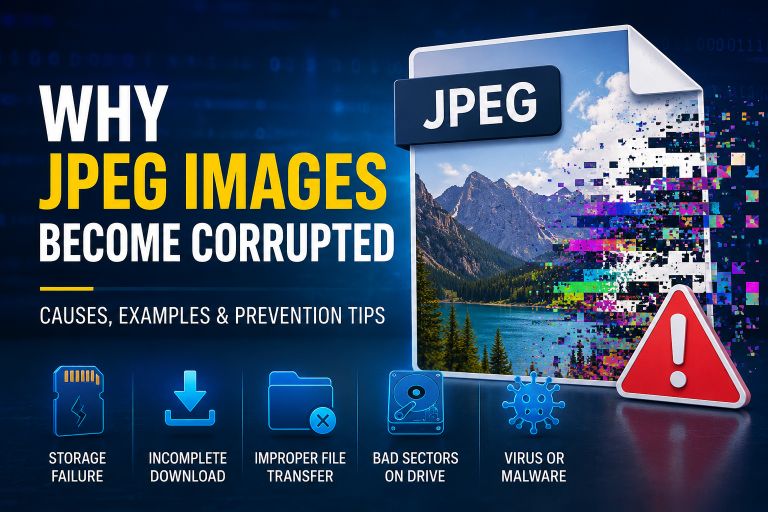
Since binary files follow strict structures, even a small amount of damaged data can prevent software from reading them correctly.
For example:
- A damaged JPEG may not display.
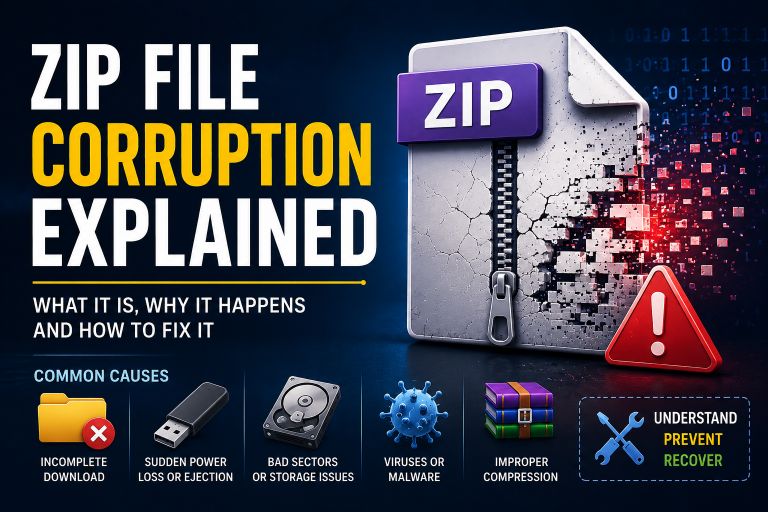
- A corrupted ZIP archive may fail to extract.
- A damaged PDF may refuse to open.
- A corrupted executable file may not launch.
- A broken MP4 file may stop playing.
The severity depends on where the corruption occurs.
Common Causes of Binary File Corruption
Several problems can damage binary files.
Power Failure
If your computer loses power while saving a file, the writing process may stop before completion.
Storage Device Failure
Bad sectors on hard drives, SSDs, USB drives, or memory cards can damage stored files.
Interrupted File Transfers
Disconnecting storage devices during file transfers can leave binary files incomplete.
Malware
Viruses and ransomware can modify, encrypt, or destroy binary data.
Software Crashes
Applications that crash while writing files may produce incomplete or damaged binary files.
File System Errors
Improper shutdowns or storage issues can corrupt the file system, making binary files inaccessible.
Can Corrupted Binary Files Be Repaired?
Sometimes.
Recovery depends on:
- The type of file
- The extent of corruption
- Whether the file header is damaged
- Whether the original data still exists
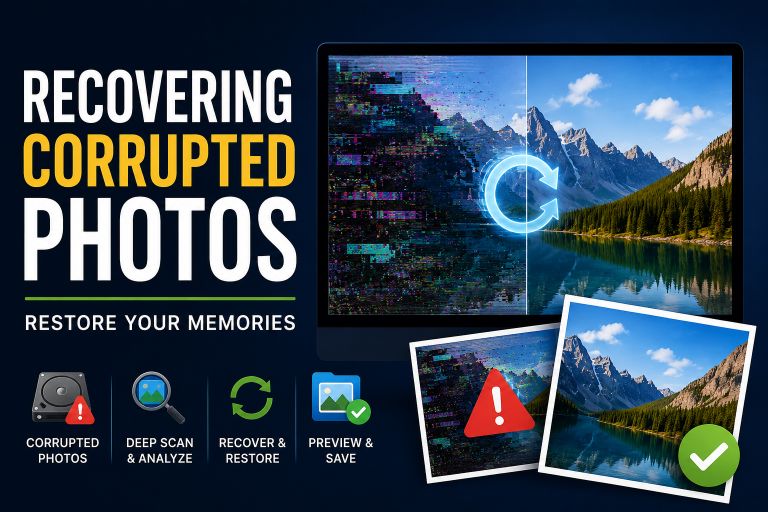
Photo repair software may rebuild damaged JPEG files, while archive repair tools may recover data from ZIP files. However, if large sections of binary data are missing, complete recovery may not be possible.
Keeping backups remains the most reliable way to protect important files.
How to Prevent Binary File Corruption
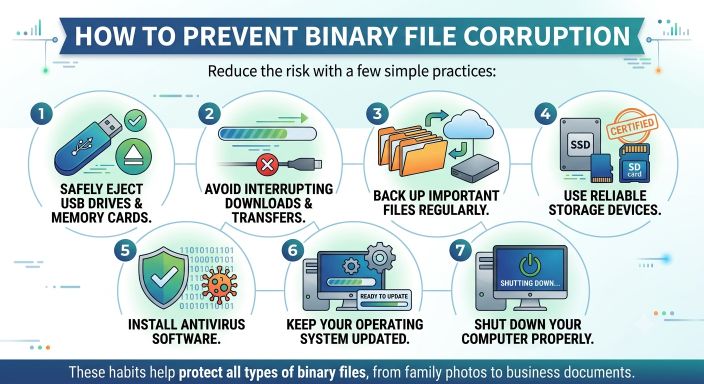
You can reduce the risk of file corruption by following a few simple practices:
- Safely eject USB drives and memory cards.
- Avoid interrupting downloads or file transfers.
- Back up important files regularly.
- Use reliable storage devices.
- Install antivirus software.
- Keep your operating system updated.
- Shut down your computer properly.
These habits help protect all types of binary files, from family photos to business documents.
Binary Files and File Recovery
Understanding binary files is helpful when recovering damaged data.
Recovery tools often examine the file’s binary structure, including its header, metadata, and data blocks, to determine whether the file can be repaired.
This is why two files with the same extension may behave differently after corruption. One may have only minor damage, while another may have lost critical binary information that makes recovery much more difficult.
Conclusion
Binary files are the foundation of modern computing. From images and videos to documents, applications, and databases, nearly every file you use is stored in binary form.
Although you rarely see the binary data itself, it plays a critical role in how software reads, processes, and displays information. Understanding how binary files work also makes it easier to understand file corruption, recovery methods, and why proper backups are so important.
Whether you’re learning about computers, troubleshooting damaged files, or exploring digital forensics, knowing the basics of binary files gives you a better understanding of how digital data is stored and managed.
Suggestions
- What Is a Corrupted File?
- Why JPEG Images Become Corrupted
- Recovering Corrupted Photos
- ZIP File Corruption Explained
- How to Fix a Corrupted File
- Corrupt Any File Tool
- Corrupt PDF Tool
- Corrupt Image Tool
Frequently Asked Questions (FAQ)
What is a binary file?
A binary file stores data in binary format (0s and 1s). It is designed to be read by software rather than directly by humans.
Is a binary file the same as a text file?
No. Text files contain readable characters, while binary files store structured data such as images, videos, documents, or programs.
Can I open a binary file in Notepad?
Yes, but the contents will usually appear as unreadable symbols because the file is not intended to be viewed as plain text.
Can binary files be repaired if they are corrupted?
In many cases, yes. Recovery depends on the file type and the extent of the damage. Some repair tools can rebuild damaged structures, while severe corruption may prevent full recovery.