Every file on your computer has a structure that tells software how to read it. One of the most important parts of that structure is the file header. Although most users never see it, the file header helps your operating system and applications identify the file type and understand how its contents should be processed.
Whether you’re working with documents, photos, videos, ZIP archives, or PDFs, every file begins with information that acts like an identity card. If this information becomes damaged, the file may stop opening even if the rest of the data is still present.
In this guide, you’ll learn what file headers are, how they work, why they become corrupted, and why they are important for file recovery and digital forensics.
What Is a File Header?
A file header is the first section of a file. It contains important information that tells software what type of file it is and how to read the remaining data.
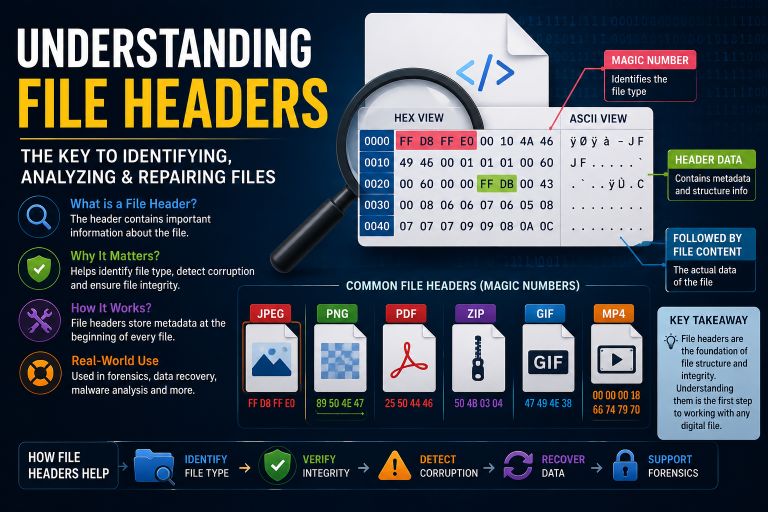
Think of a file header like the cover page of a book.
Before reading the pages inside, you first look at the title. Similarly, software first reads the header before processing the rest of the file.
Without a valid header, many programs won’t know how to open the file.
Also Read: ZIP File Corruption Explained
What Information Does a File Header Contain?
The exact contents depend on the file type, but most headers include several important pieces of information.
File Signature
Also called a magic number, this is a unique sequence of bytes that identifies the file format.
For example:
| File Type | Common Header (Hex) |
|---|---|
| JPEG | FF D8 FF |
| PNG | 89 50 4E 47 |
| 25 50 44 46 | |
| ZIP | 50 4B 03 04 |
| GIF | 47 49 46 38 |
When software sees these values, it immediately knows which type of file it is opening.
File Format Version
Many formats store version information inside the header.
This allows newer software to remain compatible with older files.
Metadata
Some headers contain metadata such as:
- Image dimensions
- Compression method
- File creation information
- Color format
- Encoding details
Offset Information
Certain file formats include pointers that tell software where different sections of the file begin.
Without these pointers, reading the file becomes difficult or impossible.
Why Are File Headers Important?
A file header is one of the first things software checks.
If the header is missing or damaged, the application may assume the file is invalid.
Headers help software:
- Identify the correct file type
- Read the data correctly
- Apply the correct decoding method
- Verify compatibility
- Detect corrupted files
What Happens When a File Header Is Corrupted?
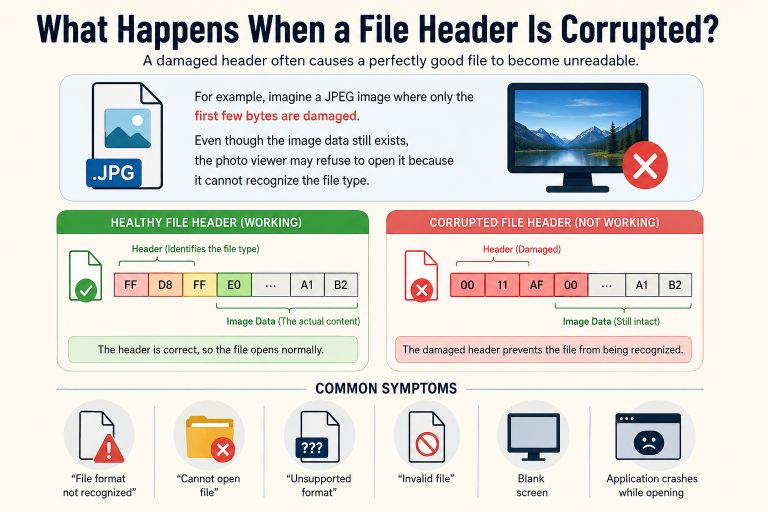
A damaged header often causes a perfectly good file to become unreadable.
For example, imagine a JPEG image where only the first few bytes are damaged.
Even though the image data still exists, the photo viewer may refuse to open it because it cannot recognize the file type.
Common symptoms include:
- “File format not recognized”
- “Cannot open file”
- “Unsupported format”
- “Invalid file”
- Blank screen
- Application crashes while opening
Common Causes of Header Corruption
Several situations can damage file headers.
Interrupted Saving
If your computer loses power while saving a file, the header may never be written completely.
Storage Device Problems
Failing SSDs, hard drives, USB drives, and SD cards can damage the beginning of a file where the header is stored.
Malware
Some viruses intentionally modify file headers to make files unusable.
Software Bugs
A crash during file creation or editing can leave an incomplete header.
File Transfer Errors
Copying files over unstable networks or disconnecting storage devices too early can damage important header information.
Examples of File Headers
JPEG
Contains information about:
- Image format
- Compression
- Color encoding
Without the JPEG header, most image viewers cannot display the picture.
The PDF header identifies the document version.
Example:
%PDF-1.7This tells PDF readers which standard the document follows.
ZIP
ZIP archives begin with the famous hexadecimal signature:
50 4B 03 04This lets extraction software recognize the archive immediately.
PNG
PNG files begin with:
89 50 4E 47This unique signature prevents software from confusing PNG images with other formats.
Can File Headers Be Repaired?
Sometimes, yes.
If only the header is damaged while the rest of the file remains intact, repair software may rebuild or replace the missing header.
For example:
- JPEG repair tools may reconstruct image headers.
- ZIP repair software can rebuild archive structures.
- PDF repair applications may recreate document headers.
- Video repair tools often replace damaged headers using a healthy sample file.
Success depends on how much of the original file is still available.
How File Headers Help in Digital Forensics
Digital investigators often examine file headers instead of file extensions.
Someone can rename:
photo.jpgto
document.pdfBut the header still reveals the file’s true identity.
This technique is widely used during:
- Digital investigations
- Cybersecurity analysis
- Data recovery
- Malware research
- File validation
Best Practices to Protect File Headers
Protecting the beginning of a file is essential because header damage often makes the entire file unusable.
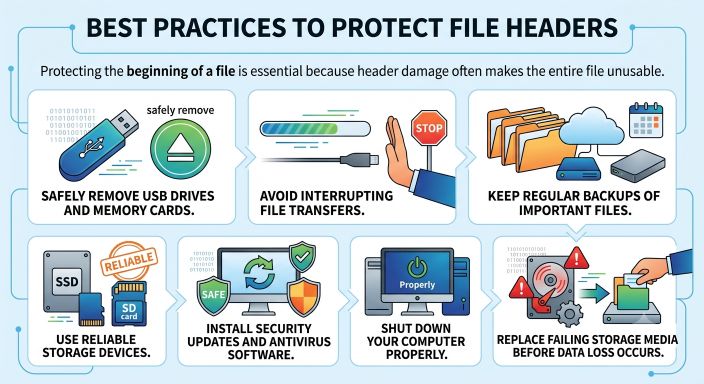
Follow these simple practices:
- Safely remove USB drives and memory cards.
- Avoid interrupting file transfers.
- Keep regular backups of important files.
- Use reliable storage devices.
- Install security updates and antivirus software.
- Shut down your computer properly.
- Replace failing storage media before data loss occurs.
Why This Matters for File Recovery
Many file recovery tools begin by checking the header.
If the header is valid, recovery is usually much easier.
If the header is missing, advanced recovery software may attempt to rebuild it using known file signatures or information from similar files.
Understanding file headers also helps developers, IT professionals, and students troubleshoot damaged files more effectively.
Conclusion
A file header may only occupy a small part of a file, but it plays a critical role in how software recognizes and opens that file. Whether it’s a JPEG image, PDF document, ZIP archive, or video, the header contains the essential information needed to interpret the data correctly.
When a file header becomes corrupted, the file may appear completely unusable even though most of the data is still intact. Knowing how headers work can help you understand file corruption, improve your chances of successful recovery, and troubleshoot problems more efficiently.
By handling files carefully, using reliable storage devices, and maintaining regular backups, you can significantly reduce the risk of header-related corruption.
Suggestions
- What Is a Corrupted File?
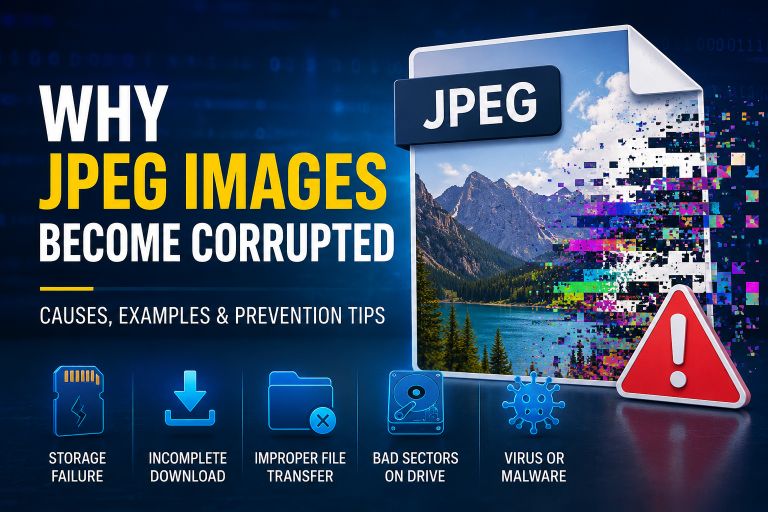
- Why JPEG Images Become Corrupted
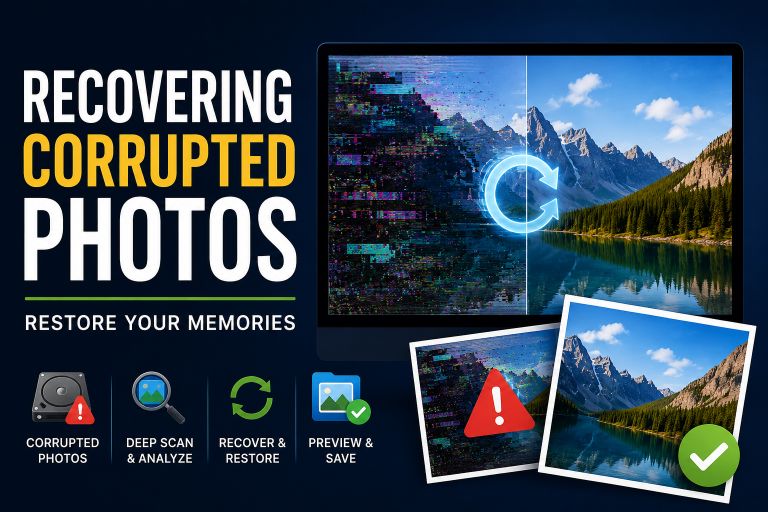
- Recovering Corrupted Photos
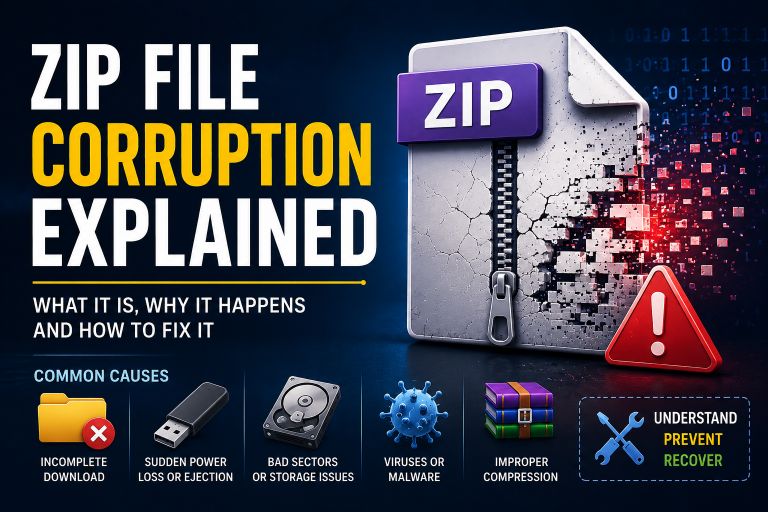
- ZIP File Corruption Explained
- How to Fix a Corrupted File
- Corrupt Any File Tool
- Corrupt PDF Tool
- Corrupt Image Tool
Frequently Asked Questions (FAQ)
What is a file header?
A file header is the first section of a file that contains information about the file type, format, and structure so software knows how to open it.
Is a file header the same as a file extension?
No. A file extension (such as .jpg or .pdf) is part of the file name, while the file header is embedded inside the file and is much more reliable for identifying its actual format.
Can a damaged file header be repaired?
In many cases, yes. If only the header is corrupted and the rest of the file remains intact, specialized repair tools may be able to rebuild it.
Why do file recovery tools check headers first?
Recovery software examines the file header to identify the file format and determine how to reconstruct or repair the remaining data.