Few things are more frustrating than double-clicking a file and seeing an error like “Unknown file format” or “Unsupported file type.” It often happens when you’re trying to open an important document, photo, video, or archive.
The good news is that this error doesn’t always mean your file is permanently damaged. Sometimes the problem is with the software you’re using, the file extension, or the way the file was transferred.
In this guide, we’ll explain what unknown file format errors mean, why they happen, how to fix them, and how to prevent them in the future.
What Is an Unknown File Format Error?
An unknown file format error appears when your operating system or application cannot identify the type of file you’re trying to open.
Every file has an internal structure that tells software what kind of file it is and how it should be read. If that information is missing, damaged, or doesn’t match the file extension, the application may refuse to open it.
You might see messages such as:
- Unknown file format
- Unsupported file format
- Invalid file format
- Cannot recognize file type
- This file cannot be opened
- The file appears to be corrupted
Although the wording varies between programs, the underlying issue is usually the same: the software cannot understand the file.
Common Causes of Unknown File Format Errors
There are several reasons why this error can occur.
1. The File Is Corrupted
One of the most common causes is file corruption.
If important parts of the file—especially the file header—are damaged, the software cannot identify the format correctly.
This can happen because of:
- Sudden power failure
- Interrupted file transfers
- Bad sectors on a storage device
- Malware
- Software crashes
2. Wrong File Extension
Sometimes the file extension doesn’t match the actual file type.
For example, someone may rename:
photo.jpgto
photo.pdfChanging the extension doesn’t convert the file into another format.
When a PDF reader tries to open what is actually a JPEG image, it reports an unknown or invalid file format.
3. Incomplete Download
If a file wasn’t downloaded completely, important data may be missing.
The file may appear on your computer, but because part of its structure is absent, applications cannot recognize it.
This is common when internet connections are interrupted during downloads.
4. Unsupported File Version
Sometimes the file itself is perfectly fine, but your software is too old.
For example, a newer document created in the latest version of an application may not open correctly in much older software.
Updating the application often solves the problem.
5. Damaged Storage Device
Hard drives, SSDs, USB flash drives, and SD cards can develop bad sectors over time.
If the beginning of a file becomes unreadable, the application may no longer recognize the file format.
6. File Transfer Problems
Removing a USB drive while files are still being copied can leave incomplete files behind.
The copied file may exist, but some of its data is missing.
7. Malware or Virus Infection
Certain types of malware modify, encrypt, or damage files.
When important parts of the file are altered, software may report an unknown file format instead of opening it.
How to Fix Unknown File Format Errors
The solution depends on what caused the problem.
Check the File Extension
Start by confirming that the file extension is correct.
For example:
- .jpg
- .png
- .docx
- .xlsx
- .zip
- .mp4
If the extension was changed accidentally, restoring the correct one may solve the issue.
Try Another Application
Different programs support different file formats.
If one application refuses to open the file, try another compatible program.
Sometimes the file is perfectly valid, but the software you’re using doesn’t support it.
Download the File Again
If the file came from the internet or an email attachment, download it again.
The original download may have been incomplete or interrupted.
Copy the File to Another Drive
If the file is stored on a failing USB drive or memory card, immediately copy it to another storage device.
Continuing to use a failing drive increases the risk of permanent data loss.
Update Your Software
Older applications may not recognize newer file formats.
Installing the latest version of the software can improve compatibility.
Scan for Malware
Run a full antivirus scan if you suspect malware.
Removing the infection can prevent additional file damage.
Restore From a Backup
If you regularly back up your files, restoring an earlier copy is often the fastest and safest solution.
Can Unknown File Format Errors Be Fixed?
In many cases, yes.
If the problem is caused by:
- A wrong file extension
- Outdated software
- An incomplete download
- A minor file header issue
…the file can often be opened after correcting the underlying problem.
However, if large portions of the file are missing or permanently damaged, complete recovery may not be possible.
How to Prevent Unknown File Format Errors
You can avoid many of these problems by following a few simple practices:
- Keep regular backups of important files.
- Safely eject USB drives before removing them.
- Avoid interrupting downloads or file transfers.
- Keep your software updated.
- Use reliable storage devices.
- Install trusted antivirus software.
- Don’t rename file extensions unless you know what you’re doing.
These habits significantly reduce the risk of encountering unknown file format errors.
Testing Unknown File Format Errors
Developers, software testers, QA engineers, and cybersecurity professionals often need files that trigger format errors.
These test files help verify:
- File upload validation
- Error handling
- Recovery software
- Backup systems
- Digital forensics tools
- File validation logic
Instead of damaging important files manually, you can intentionally create corrupted copies using a file corruption tool. This allows you to safely simulate real-world file format errors without risking your original files.
Conclusion
An unknown file format error usually means that the software cannot identify or understand the file you’re trying to open. The cause may be as simple as a wrong file extension or as serious as file corruption or storage failure.
Before assuming the file is permanently lost, check the extension, try another application, download the file again if possible, and verify the health of your storage device. In many cases, the problem can be resolved without losing your data.
By maintaining backups, using reliable storage devices, and handling files carefully, you can greatly reduce the chances of seeing unknown file format errors in the future.
Suggestions
- What Is a Corrupted File?
- What Is a Binary File?
- How Videos Become Corrupted
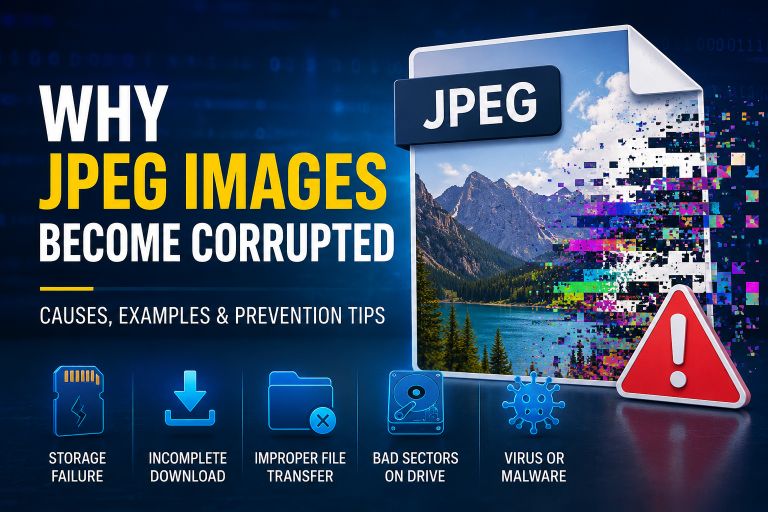
- Why JPEG Images Become Corrupted
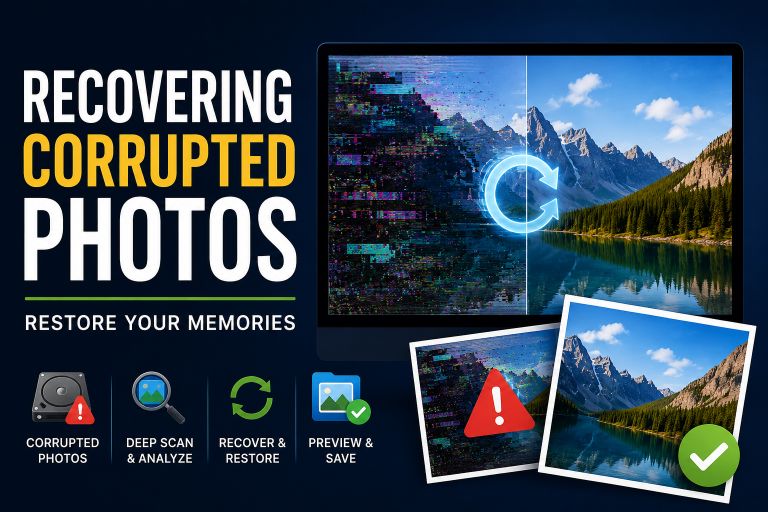
- Recovering Corrupted Photos
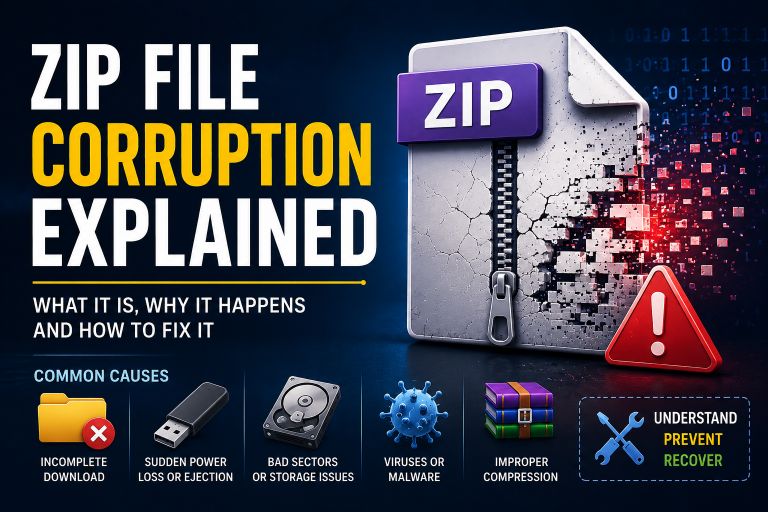
- ZIP File Corruption Explained
- How to Fix a Corrupted File
- Corrupt Any File Tool
- Corrupt PDF Tool
- Corrupt Image Tool
Frequently Asked Questions (FAQ)
What does “Unknown file format” mean?
It means the software cannot identify the file type or doesn’t know how to read its contents.
Can a corrupted file cause an unknown file format error?
Yes. If the file header or other important data is damaged, applications may no longer recognize the file format.
Can changing a file extension fix the problem?
Only if the extension was changed accidentally. Simply renaming a file from one extension to another does not convert it into a different file type.
Why does one program open the file while another doesn’t?
Different applications support different file formats and versions. A newer or more compatible program may be able to open the file successfully.
Can I intentionally create unknown file format errors?
Yes. Developers and software testers often create intentionally corrupted files to test upload validation, recovery tools, and application error handling.